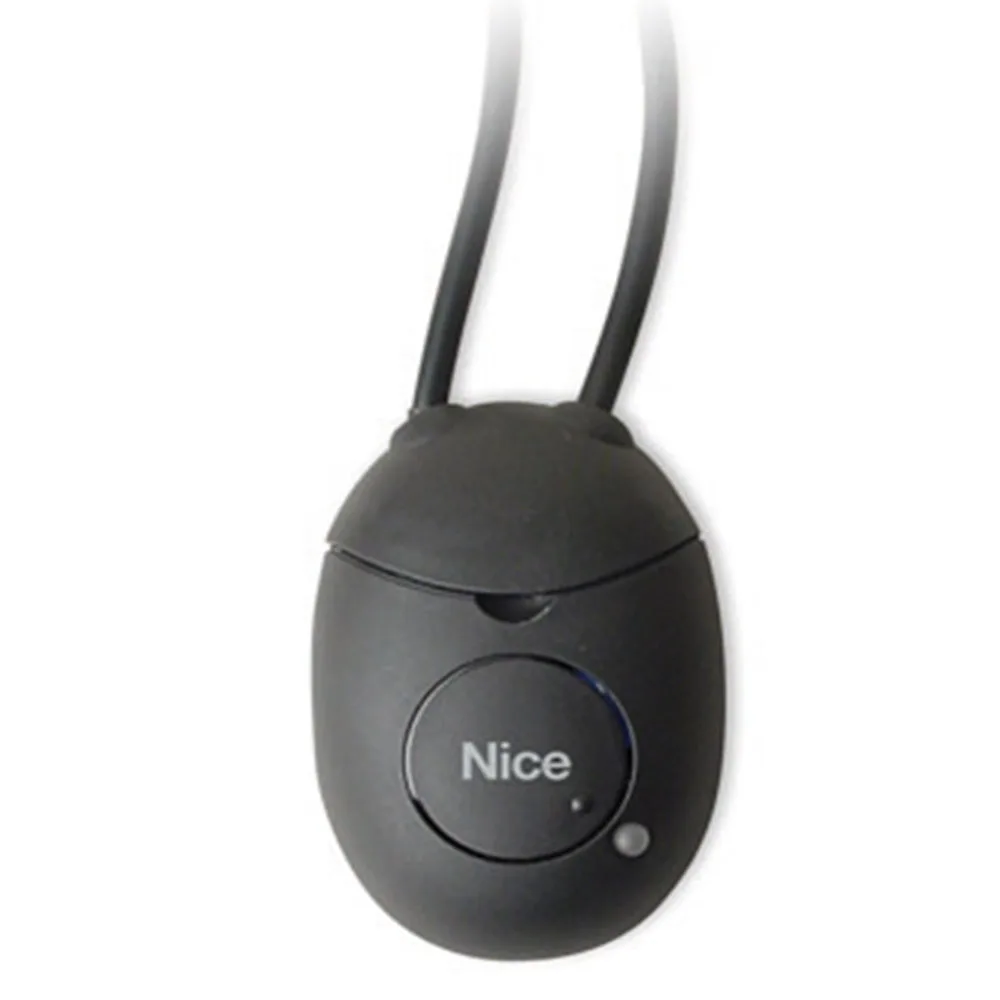
Bluetooth interface for automation: when you choose it and what alternatives you have
A bluetooth interface for automation connects the automatic gate to an programming device, without cables stretched through the yard. However, the ONSEC interface category also includes Wi-Fi, BusT4, BlueBUS and radio variants, each with a different role, from Nice, Came and Elmes.
In short: Bluetooth for close programming, Wi-Fi for house control, BUS for connections between components of the automatic portion.
Do you need help choosing?
Tell us what you need and we'll send you the offer on the same working day.
Choosing an interface starts with the simple question: do you want to program, order or connect components? O-Box serves the installer, IT4WIFI brings command on the phone, and BlueBUS interfaces connect the wireless edges and photocells. Always check the port and protocol of the control unit, then the power station mark. Find every bluetooth interface for automation and its alternatives in the category Other interfaces.
A bluetooth interface for automation looks like a small accessory, but it changes the way you program a gate. Instead of going to the power buttons, you're working on a device. However, not every interface does the same thing. In this guide we separate the interfaces from Other interfaces by their real role.
What role does a bluetooth interface have for automation
The main role is short-distance wireless communication. For example, the installer stands next to the gates and configures transmitters or receivers. Therefore, a bluetooth interface for automation serves mainly for programming and diagnosis. Instead, daily remote control requires other technology, such as Wi-Fi or GSM. Also, wireless connection avoids the removal of the housing at each adjustment. Thus, the installer works faster and cleaner.
Nice O-Box, a bluetooth interface for dual band automation
Two O-Box versions appear in the category. Model Nice OBOX2B includes Bluetooth mode and works dual band. Then the model Nice OBOX2 Keep basic functions without that mode. Both use the O-Box Software Suite. Thus, you can configure transmitters and receivers directly from PC or PDA.
Thus, OBOX2B remains the natural choice for a bluetooth interface for automation in the Nice range. Especially installers with many remote management controls gain time.
Who needs O-Box?
The O-Box interface particularly assists assembly companies and building managers. For example, at a block of dozens of remote controls, manual programming takes a long time. Instead, dedicated software orders codes and receivers.
Wi-fi interface for automation and applications on your phone
If you want to order from the house, not just schedule, watch for Wi-Fi. Interface Nice IT4WIFI control compatible gates and door garages. The connection is via the BusT4 hub of the control unit, with the cable in the package. At the same time, IBT4N adapter is available for some power plants.
On the other hand, the interface Nice PROVIEW works all over the port of BUS T4. It facilitates installation and configuration on the smartphone, using the MyNice Pro application. Therefore, Pro-View completes a bluetooth interface for automation when the installer prefers the phone.
BUS interfaces: links between components
Some interfaces do not communicate at all with man, but with other devices. For example, Nice IB connects Bluebus photocells to units that do not have this port. Then, Nice IBW connect the wireless sensitive edges to BlueBUS units. It also accepts PHW and LLW lamps. Therefore, each automation interface in this group has a precise technical role.
- The IRW interface uses relay for units with classic stop and photo inputs.
- The INB model communicates with TTBus and BusT4 systems, as well as with MyHome BTicino.
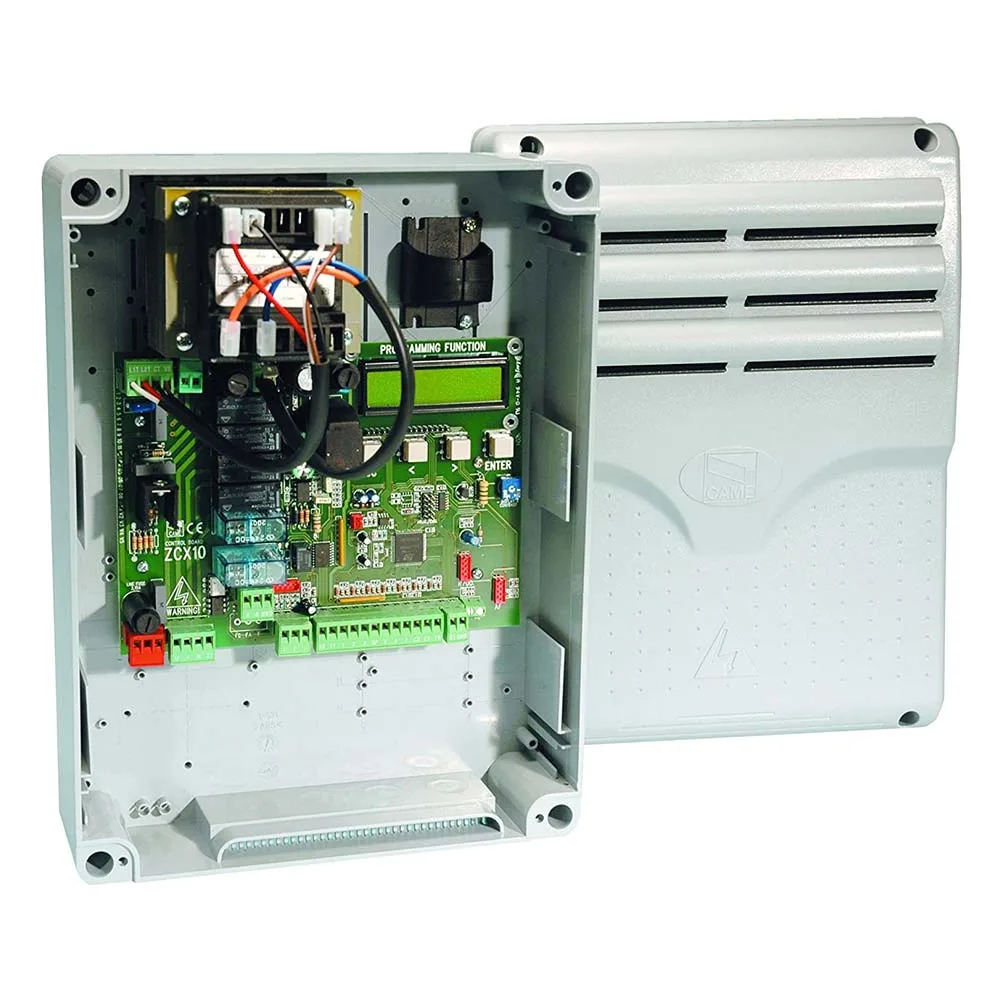
- Came plate RSE manage two simultaneous automations or activate the CRP protocol.
- The Elmes U4HR receiver has 4 channels and exits on the relay.
In other words, these pieces solve compatibility, not command from the phone. However, they often complete a bluetooth interface for automation in the same system.
Bluetooth and GSM: combination for access
A separate case appears in the related category GSM controllers. Device Motorline M200 Combine phone call with an Android application on Bluetooth. Thus, users open close call or app doors. The description recommends it for residential areas and business centers, with many users. However, M200 has access control, not engine programming. Therefore, do not confuse it with a bluetooth interface for O-Box automation.
Installation of an interface, step by step
First, stop powering the power plant before any connection. Then identify the correct port, e.g. BusT4. Connect the interface to the cable in the package and restart the system. Then open the software or application and check if the device appears in the list. Thus, a bluetooth interface for automation goes into operation in a few minutes. However, it always follows the manufacturer's manual, as the steps differ from one model to another.
Access to configuration and security
The interface allows modification of engine settings. Therefore, it controls who has access to it. For example, the installer keeps the O-Box software and does not leave it on common devices. In addition, after programming, some owners disconnect the interface from the power station. In other words, a bluetooth interface for automation is used as needed, it does not stay at the hands of anyone. Also note what changes you made, for the subsequent service.
How to choose a proper automation interface
- Sets purpose: programming, daily command or component connection.
- Check unit port: BusT4, BlueBUS or classic inputs.
- It notes the central brand, because many interfaces work only in their own ecosystem.
- Think about who uses the system: the installer or the owner.
Also read the power plant manual before ordering. For general rules on the safety of automatic doors, the standardisation body ASRO publish the applicable standards. However, the installation of the safety devices remains the work of the installer.
Common errors with a bluetooth interface for automation
The first mistake occurs when the buyer expects order from anywhere. In reality, Bluetooth covers short distances. The second mistake is compatibility: a Nice interface does not automatically connect to a Came power station. In addition, some forget that BUS interfaces require a suitable port unit. So, a bluetooth interface for correctly chosen automation starts from the power station card.
Frequently Asked Questions about Bluetooth Interface for Automation
Can I open doors from another city via Bluetooth?
No, no. Bluetooth works short-distance. For remote control, check GSM or Wi-Fi solutions.
What difference does OBOX2B make to OBOX2?
The OBOX2B model adds the Bluetooth module. The remaining O-Box functions remain similar.
Does IT4WIFI work with any motor?
No, no. A wi-fi interface for automation like IT4WIFI requires a Nice compatible unit with BusT4 socket or IBT4N adapter.
Când am nevoie de Came RSE?
Plate RSE helps when two Came automations have to work simultaneously or when you activate the CRP protocol. Instead, the board is not used for programming on your phone.
You want to compare all the options? See category Other interfaces and filter after the mark. The ONSEC team helps you choose an interface for automation compatible with your power plant.