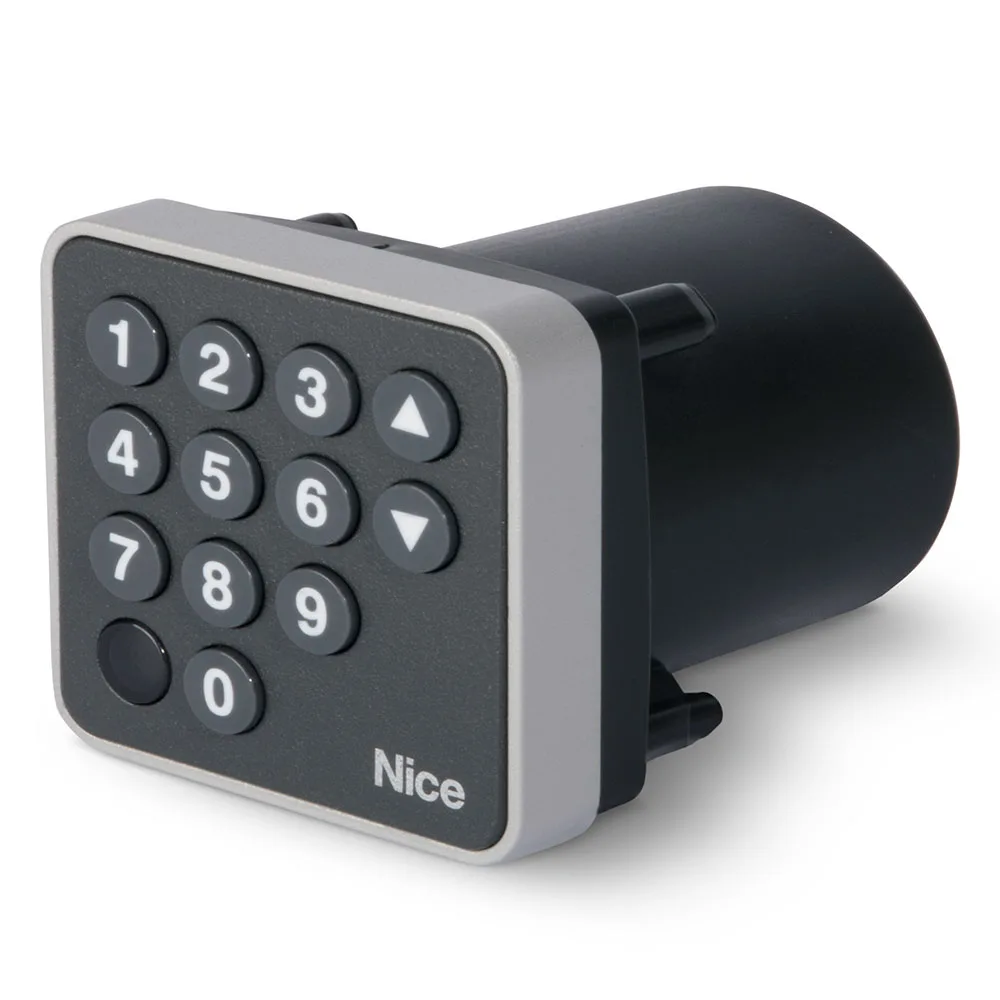
Digital code selector: types, codes and gate mounting
A digital code selector opens doors or doors after entering a combination of digits, without keys and without remote controls. It is suitable for families, companies with changing staff and buildings with temporary code access. Versions with wire, radio or BlueBus cover most installations.
In short: choose a digital code selector after connection (wire, radio, BlueBus), number of codes, type of mounting and housing resistance.
Do you need help choosing?
Tell us what you need and we'll send you the offer on the same working day.
Access to the code gives you control without copy keys and remote controls to share. Choose the keyboard on the wire for new installations, the BlueBus option for compatible Nice power stations or the radio model when you can't pull cable. Check the number of codes, frequency and housing, especially at the assembly in exposed areas. Change the codes periodically and keep an administrator code. Find each digital code selector in the category Keypad selectors.
Codes have a clear advantage over keys: you change them anytime, without buying anything. A digital code selector leaves access only to those who know the combination. Moreover, you can give different codes for family, courier or personal. In the following groups we explain the types of offer and the criteria of choice.
How a digital code selector works
The user typed the code on the keyboard. The selector compares it to the code memorized. If there is a match, send the command to the automation center. Otherwise, nothing happens. Thus, a digital code selector replaces the key with an information.
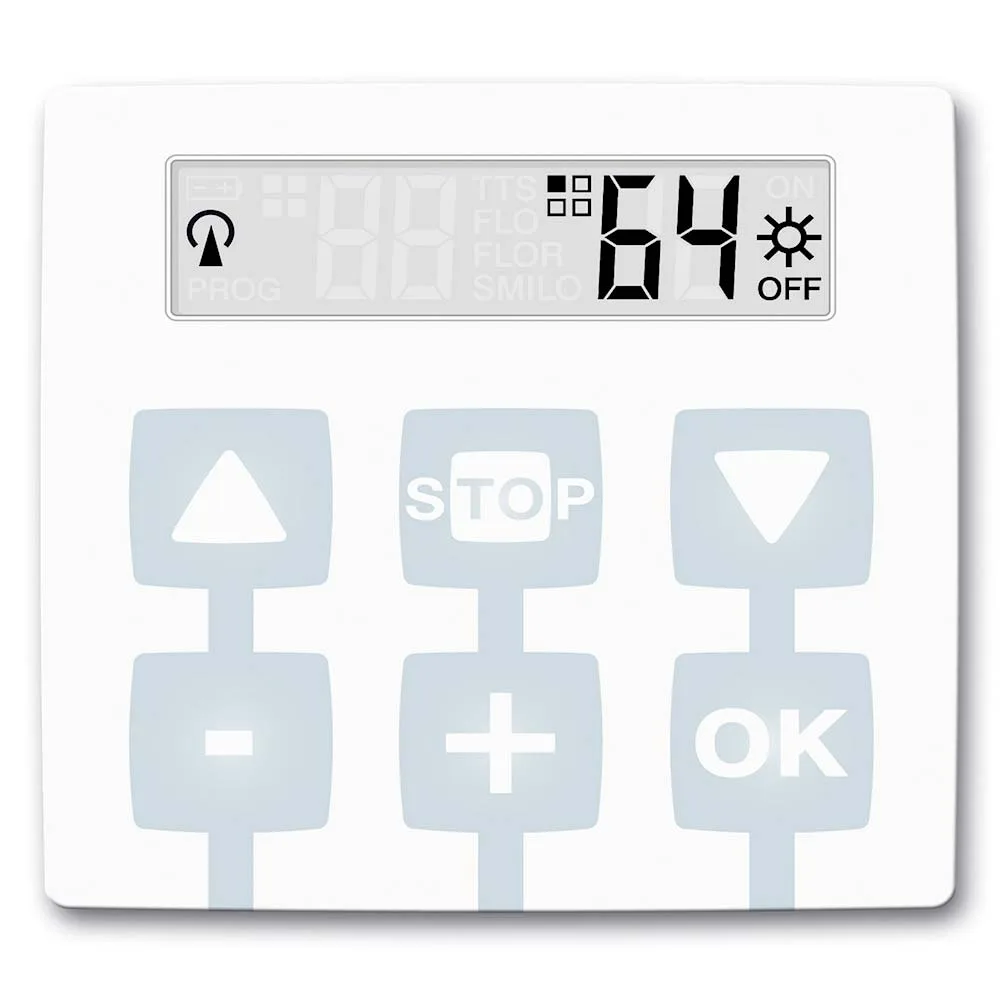
For example, Nice EDS has 12 keys and memorizes up to 255 codes. Possible combinations reach a million. Numbered keys from 1 to 9 make the choice of intuitive code. In addition, EDS visually signals the state of automation. Therefore, the user sees immediately whether the gate has received the order. All variants in the range of Code selector ONSEC follows the same principle.
Selector with keyboard by wire, radio or BlueBus
The major difference is how the selector reaches the power station. There are three main variants.
- Wire: Classic models, such as EDS and EDSI, are wired to the control plate.
- BlueBus technology: Nice EDSB and EDSIB only use two wires to compatible Nice power plants.
- Radio version: Nice EDSWG, Came SELT1W4G, SELT1W8G, Ditec AXK4P or Roger H85/TDR/E do not demand cable.
So, a digital radio code selector saves the diggings from the gate. Instead, the option on the wire does not depend on the battery.
Radio keyboard selector: working distance
Nice EDSWG has 13 keys and works with FLOR receivers with dynamic code. The manufacturer estimates a radius of about 25 m in free space and 15 m in buildings. At the same time, the keyboard has backlight in the absence of light. Came proposes two variants with 12 keys: SELT1W4G on 433,92 MHz and SELT1W8G on 868.35 MHz. Both have blue backlight, memorize 25 codes and work in rolling code or fixed code.
Roger H85/TDR/E offers four channels and fixed or multiple code. The manufacturer indicates a battery that holds at least two years to ten activations per day. Therefore, a digital radio code selector requires little maintenance. However, the receiver must support the keyboard protocol. Compatible receivers found in category radio receivers.
Programming of codes
Nice EDS offers two ways of programming: easy or professional. The easy way to get to a home with a few users. Instead, the professional way helps buildings with many codes. EDSB even allows the programming of access for a certain number of users on a single code. Came SELT1W4G requires a password for access to programming. Thus, an ordinary user cannot modify the settings. Therefore, a well-configured digital code selector clearly separates user and administrator roles.
Mounting applied or built-in
Just like key selectors, there are two shapes here. EDS shall be mounted on the pole or wall. Nice EDSI enters the wall, 13 mm from the surface, and has a metal housing. The EDSIB version combines the built-in assembly with BlueBus technology. In addition, the Nice EKA01 cap allows mounting on the PPH2 column. Thus, a digital code selector can stand next to the photocells, at comfortable height.
Gate code keyboard: code security
- Change the default code immediately after installation.
- Avoid easy to guess combinations like 1234.
- Give separate codes for each user group.
- Delete the old codes when an employee leaves.
- Periodically clean the keys, so you don't see the numbers used often.
- Write down administrator codes in a safe place, not next to the selector.
The EDSB and EDSIB models also have anti-effraction metal casing. For exposed places, a digital metal code selector is better suited to hits.
Example: a small company with service entrance
Let's assume a firm with sliding and personal collars on tour. Each shift receives its own code. When an employee leaves, the administrator only changes the code of his shift. At the same time, the couriers receive a temporary code, which you delete at the end of the day. So no one walks with remote controls or keys anymore. In this scenario, a 255-code model, such as EDSB, offers a comfortable reserve.
Where a digital code selector is located
- Doors to homes with many family members.
- Company service entrances.
- The common garages in the blocks.
- Spaces rented, where codes change often.
In all these cases, a digital code selector simplifies access management. For working areas, code access is part of the wider security organisation. Relevant technical standards you can search for ASRO. However, the final choice depends on the project and the risk assessment.
Code or key?
The key doesn't require battery, but you can lose it or copy it. A digital code selector eliminates these problems, but requires discipline in code management. On the other hand, at a power outage, the wire selector depends on the power supply. If you want a backup order, see and Key selectors. Fadini offers, for example, the digital DGT 61 selector for its own range.
Frequently Asked Questions about Digital Code Selector
How many codes can I memorize?
Depends on the model. Nice EDS, EDSI, EDSB and EDSIB store up to 255 codes and Came SELT1W4G 25 codes.
Do I need cable?
Not on the radio models. A digital radio code selector such as EDSWG or SELT1W8G communicates wirelessly. The models on the wire and BlueBus demand cable to the power station.
What do I do if I forget the programming code?
Check the manufacturer's manual. The reset procedure differs from model to model.
Does it work at night?
Yeah. EDSWG and Came models have backlit, useful keys in the dark.
Compare models in category Keypad selectors and choose a digital code selector that fits your ports and users. The ONSEC team helps you check compatibility with the existing power station and receiver.